Import the handoff
Start with the PSD or PSB you would normally clean by hand before animation.
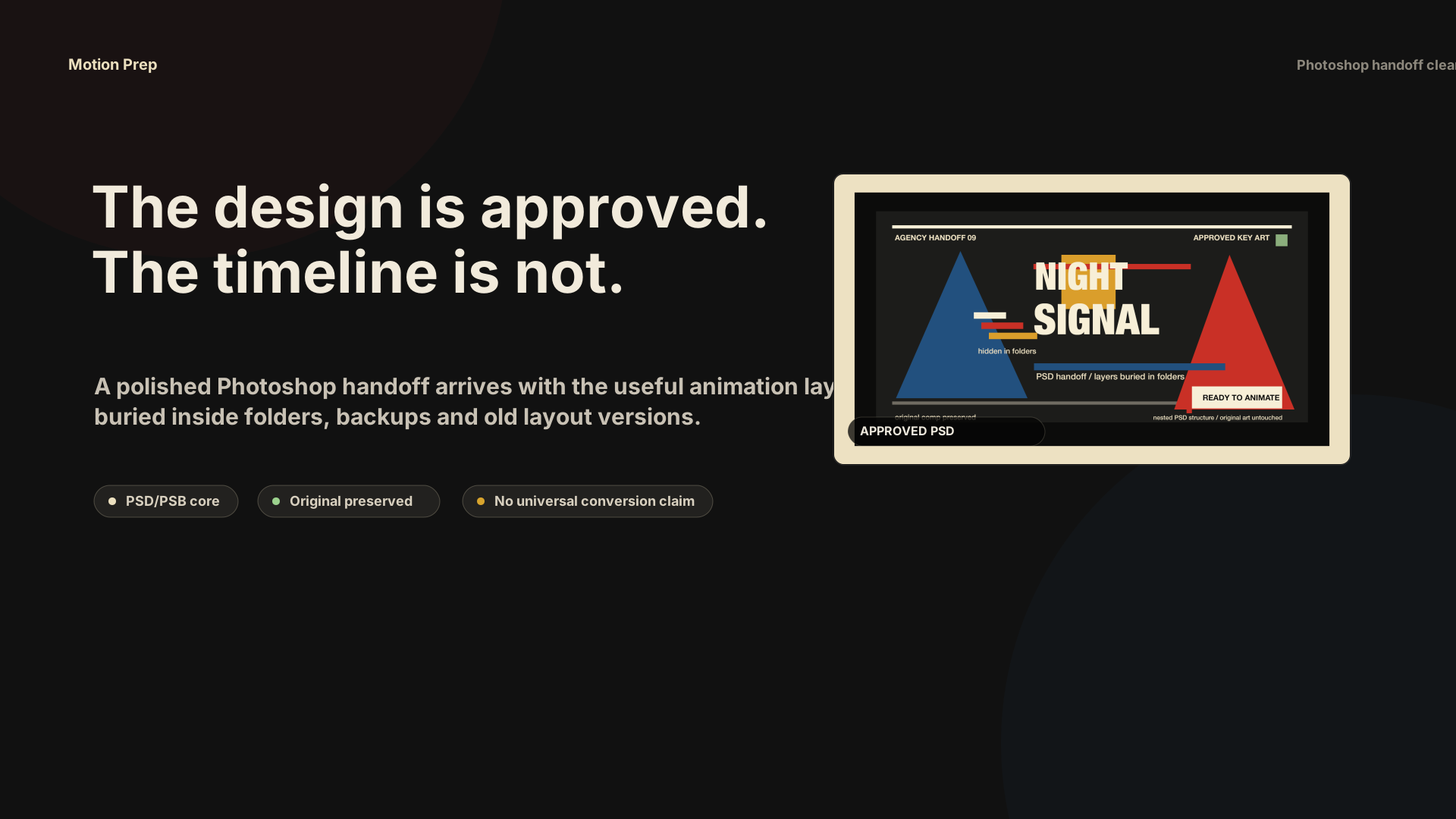
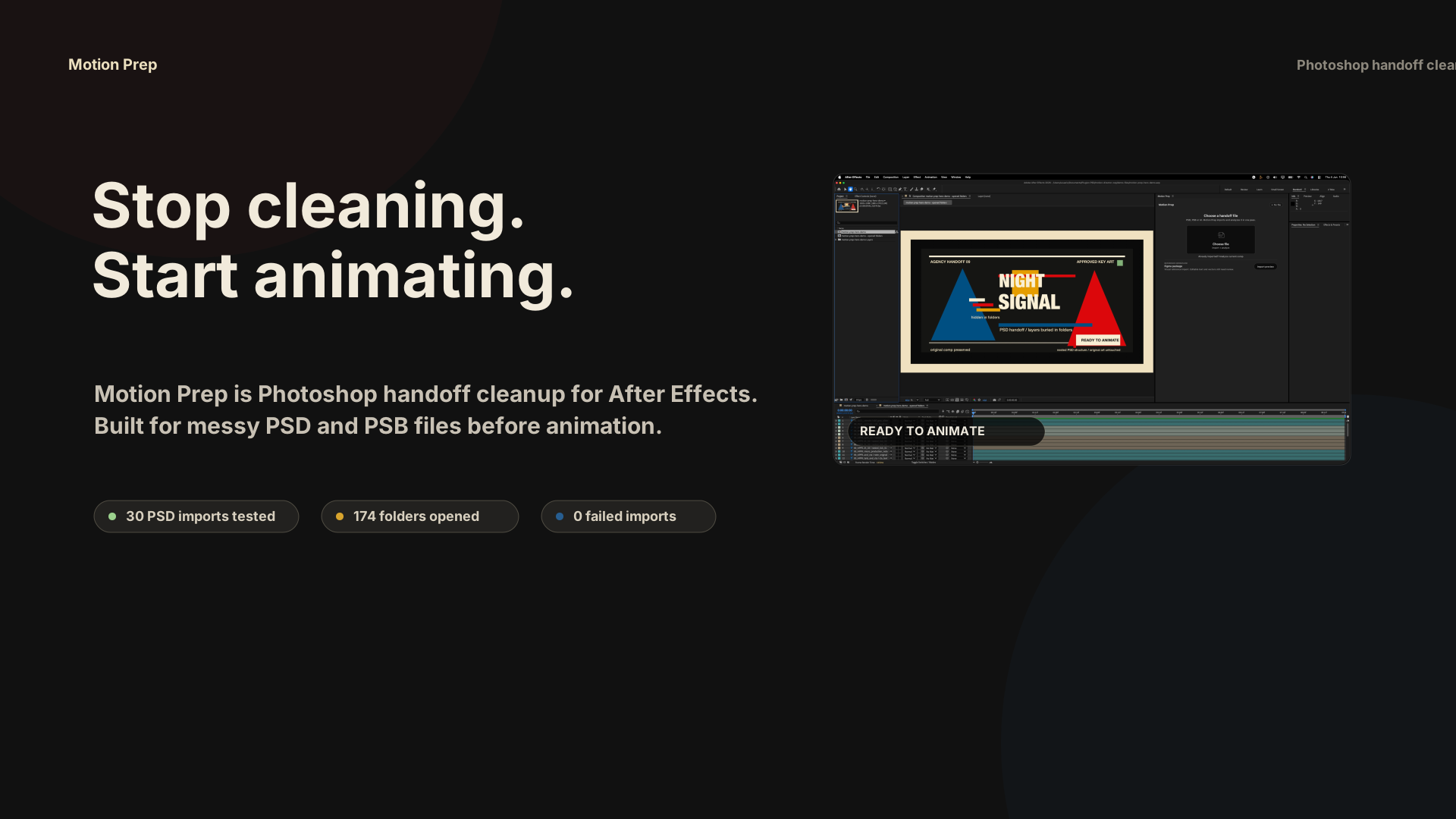
Motion Prep turns messy agency PSD and PSB handoffs into a clean working comp: buried Photoshop folder layers are exposed, source groups stay readable with colors, and the original import stays untouched.
You do not need another design export. You need the animatable pieces out of closed Photoshop folders before the deadline starts moving.
Start with the PSD or PSB you would normally clean by hand before animation.
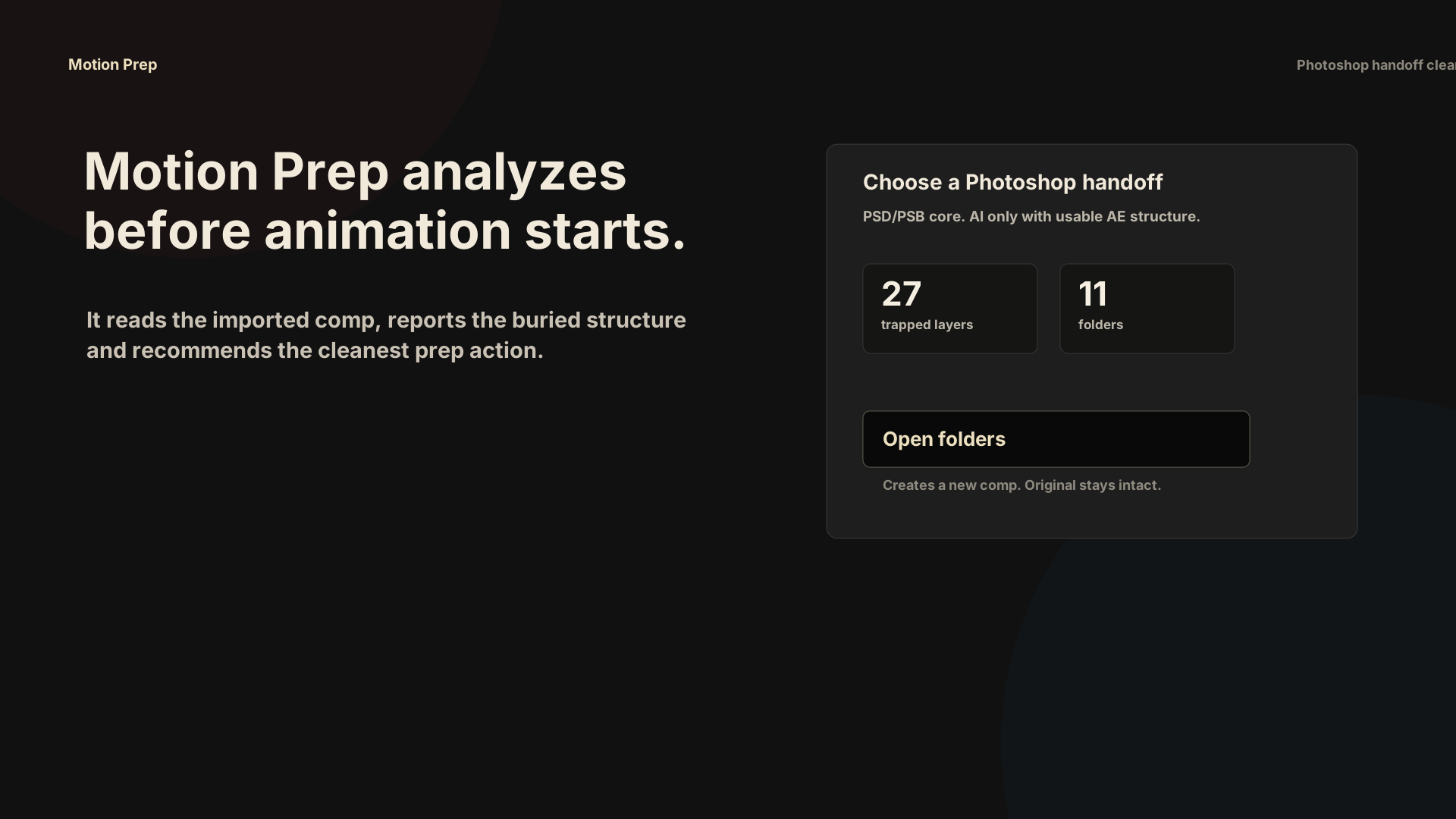
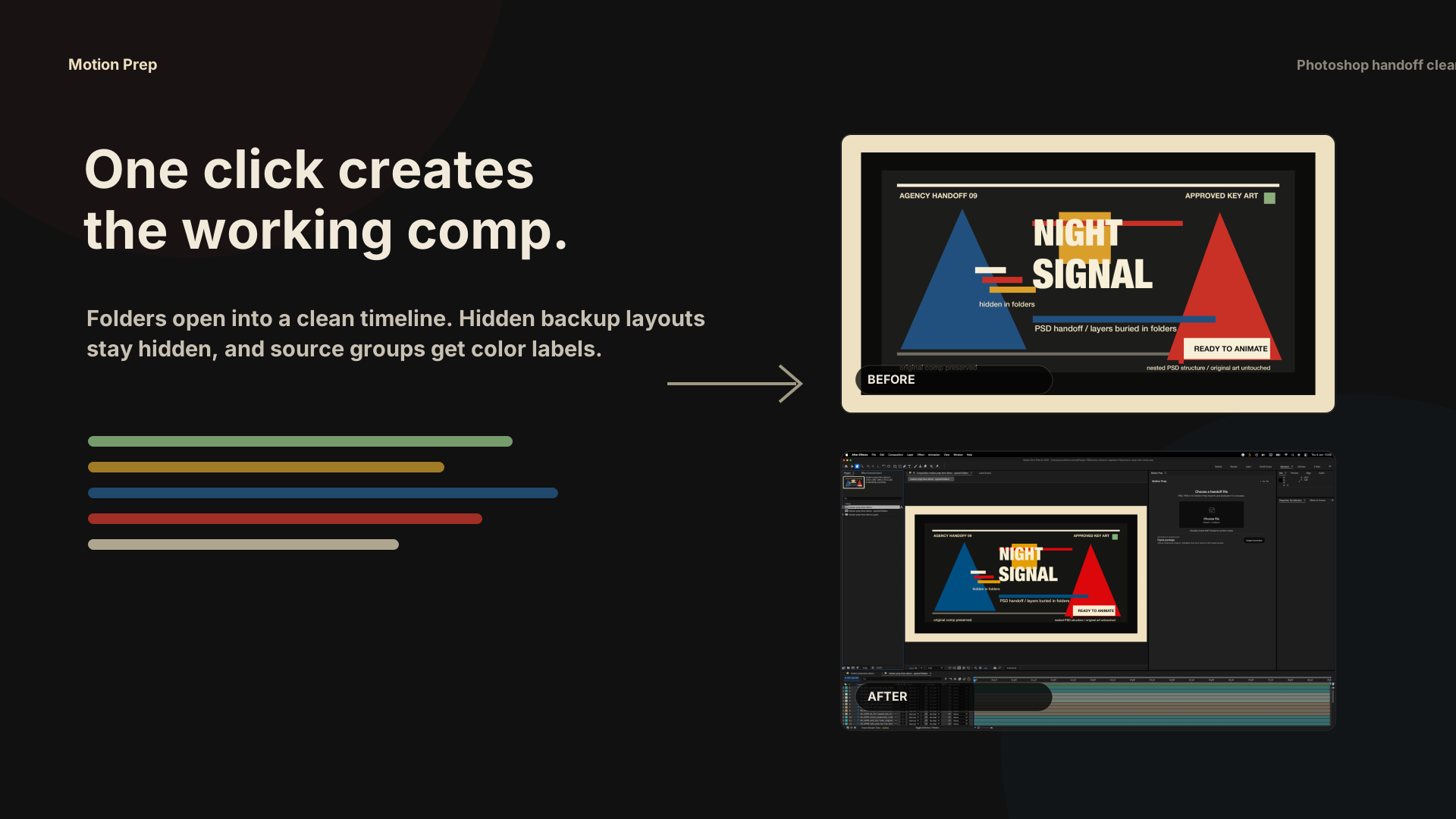
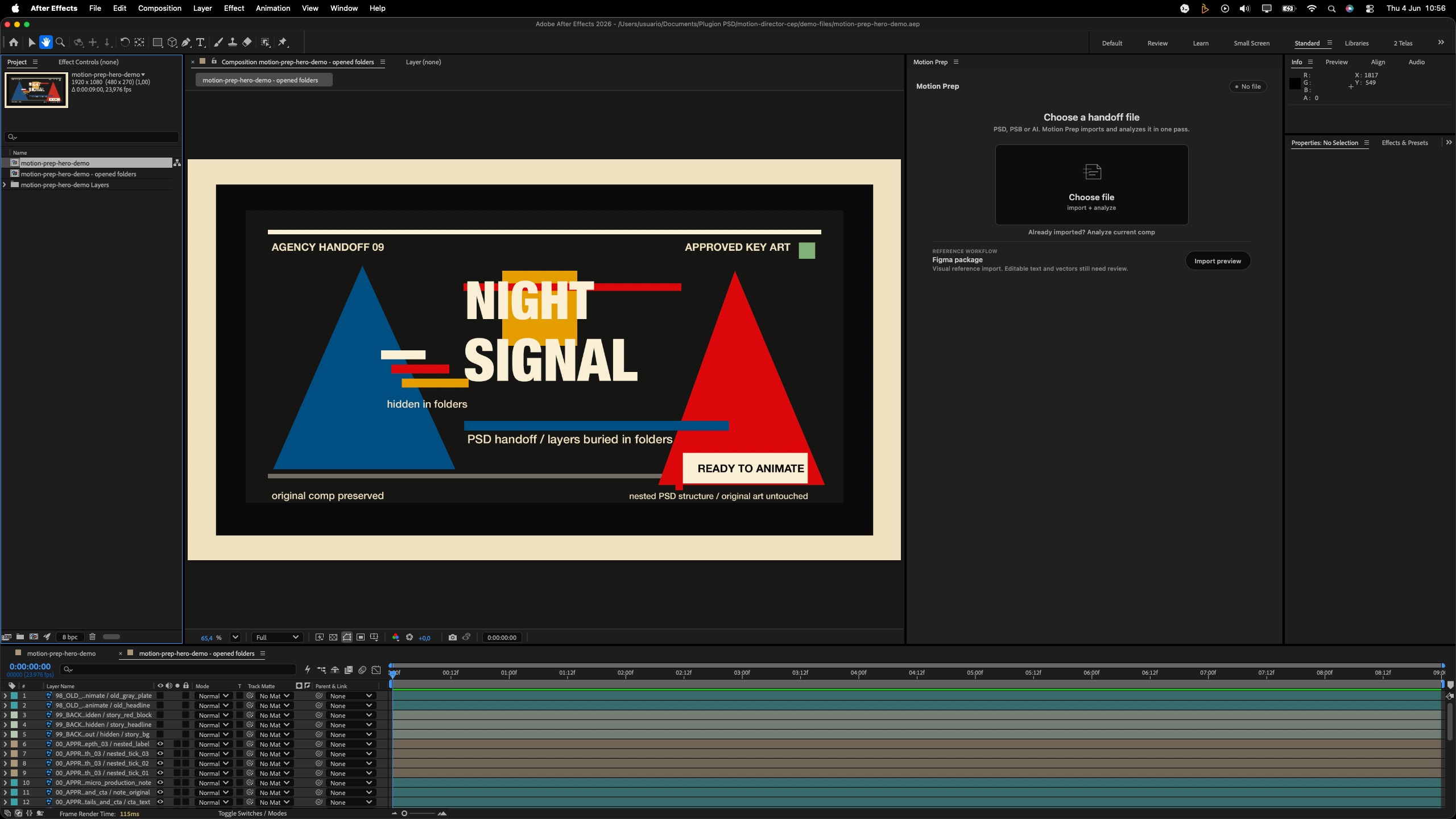
Motion Prep creates a new working comp with nested Photoshop layers exposed and color-coded.
Work in the prepared comp. Keep the original import available for comparison.
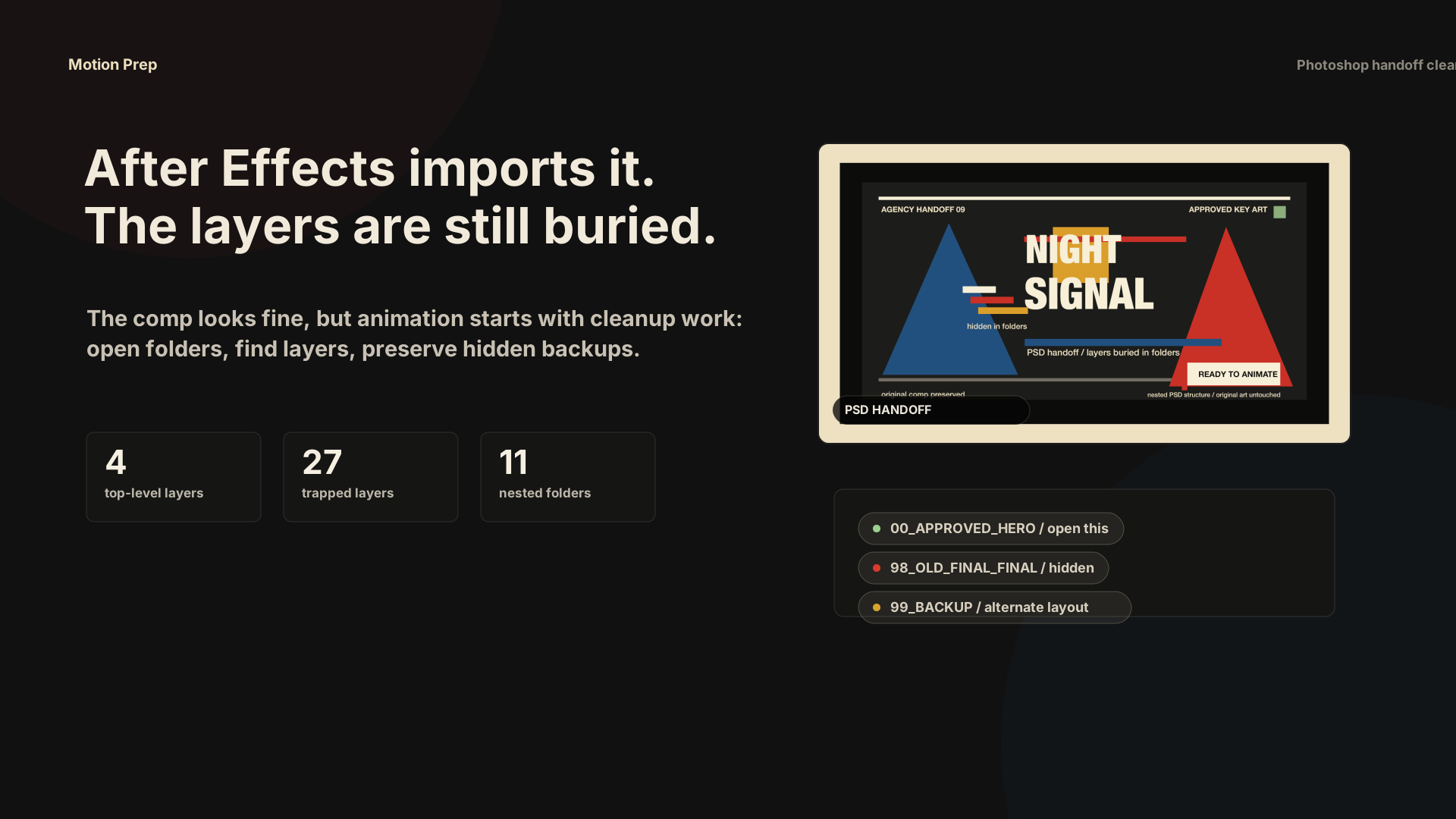
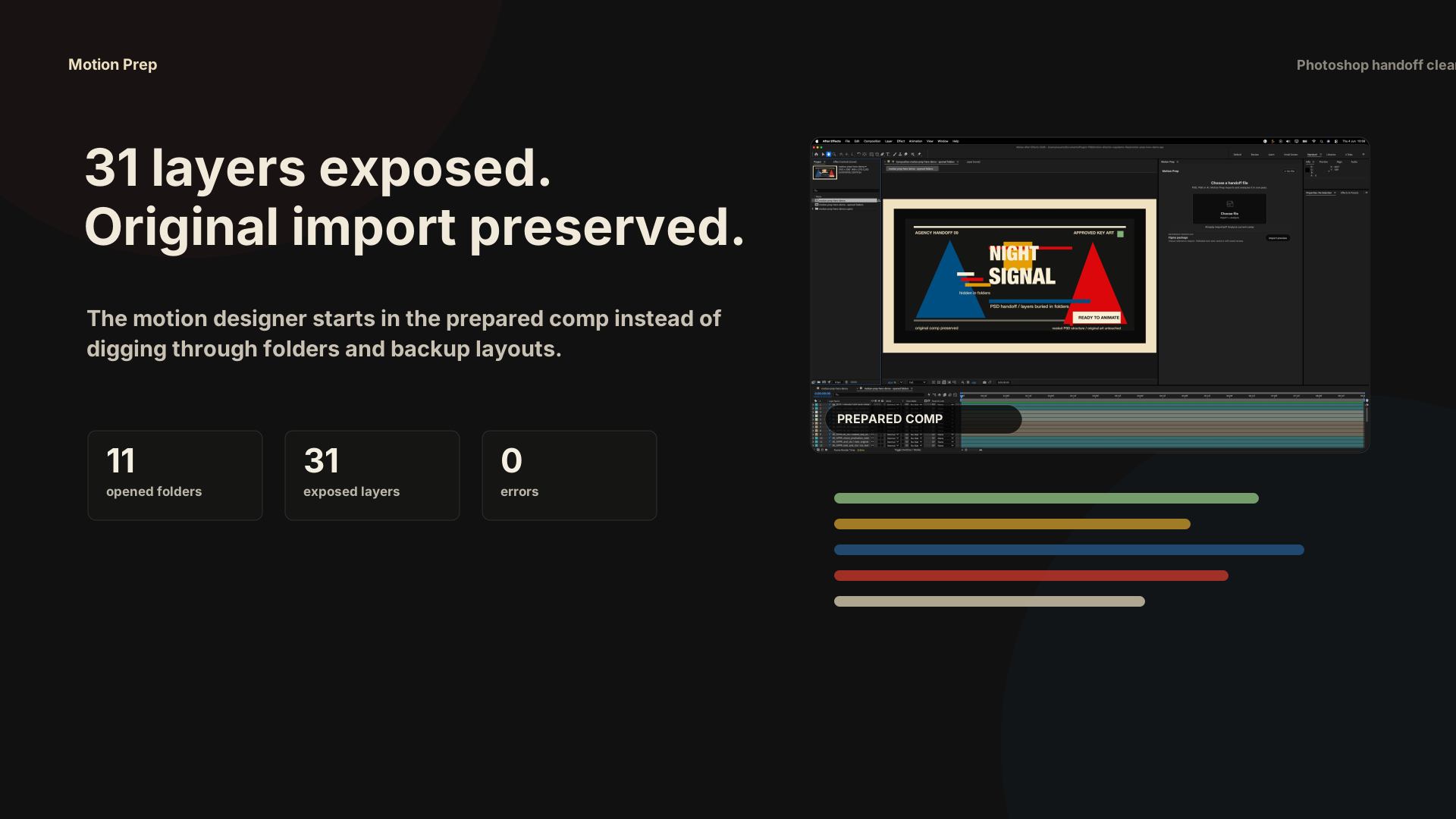
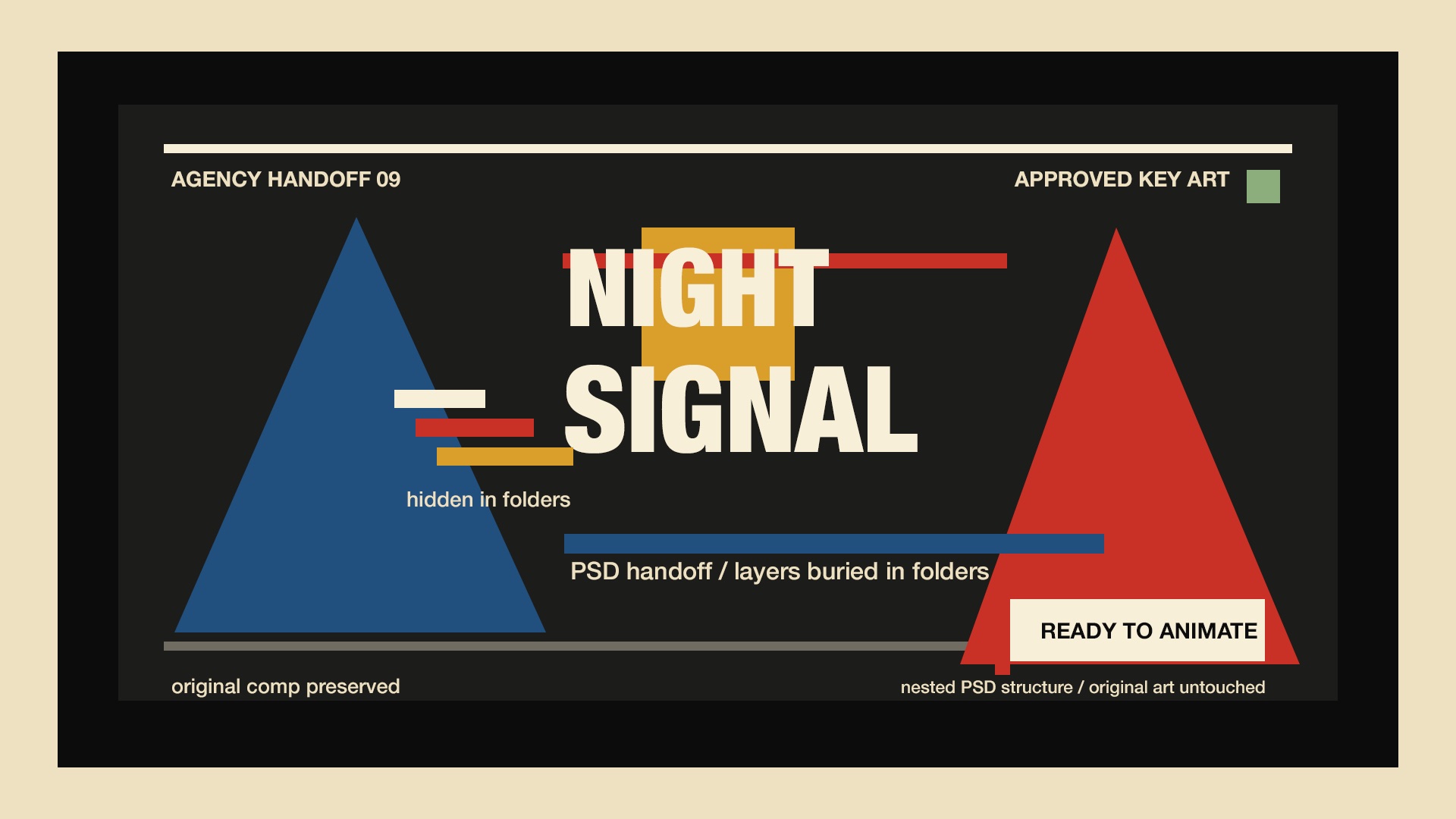
This test used a generated agency-style PSD with nested folders, hidden backup layouts and old-version clutter. It was imported and prepared inside After Effects 2026 on this machine.
A directed 18-second storyboard shows the exact handoff: approved PSD, buried timeline, Motion Prep analysis, opened folders and the prepared comp.
Test result: After Effects 26.2.1x2, 11 folders opened, 8 color groups, 0 skipped layers and 0 errors.
Motion Prep is for the repetitive After Effects cleanup between an approved Photoshop file and an animatable timeline.
Pull internal layers out of source precomps into a new working comp.
Keep the timeline readable when a file has dozens or hundreds of layers.
Work from a new comp while the original import stays available for comparison.
When a PSD looks like several art-director layouts, create version comps before choosing.
Show only the practical result: layers exposed, folders opened and whether the original stayed intact.
Nested Photoshop folders opened into a new animation comp.
PSB for large Photoshop files. AI only when After Effects exposes usable layer structure.
Planned as a separate handoff module after the Photoshop core is stable.
Future reference-pack workflows. Not part of the current paid promise.
Motion Prep is ready when the painful job is opening nested Photoshop folders inside After Effects. It is not sold as a universal design-file converter.
The first session should be simple: install the panel, open one messy PSD or PSB, run Motion Prep and decide if the prepared comp saves real cleanup time.
Open START_HERE first. The ZIP includes the panel, macOS install command, release notes and support guide.
Run the macOS installer, restart After Effects and open Window > Extensions > Motion Prep.
Choose a PSD or PSB, analyze it, then open nested folders into a new prepared comp.
If a file needs judgment, send screenshots and a short note. Early buyers help shape priority fixes.
No. Motion Prep creates a new working comp and leaves the original After Effects import available.
No. It prepares the timeline so you can animate faster. It is a handoff cleanup tool, not an animation generator.
PSD is the core workflow. PSB and Illustrator help depends on the structure After Effects exposes after import.
Send screenshots and file context for review. If Motion Prep is not useful for your workflow, there is a 14-day refund window.
If one messy handoff costs thirty minutes, Motion Prep can pay for itself quickly. Use it on the files you would normally rebuild by hand.
License for After Effects motion designers who regularly receive messy PSD handoffs on macOS.
Get Motion Prep 14-day refund window. macOS After Effects CEP panel. Source files are not modified. Complex files may still need review. Support: support@motionprep.net.